
Bell schedule
Define periods, breaks and working days once per academic year and reuse the same grid everywhere.
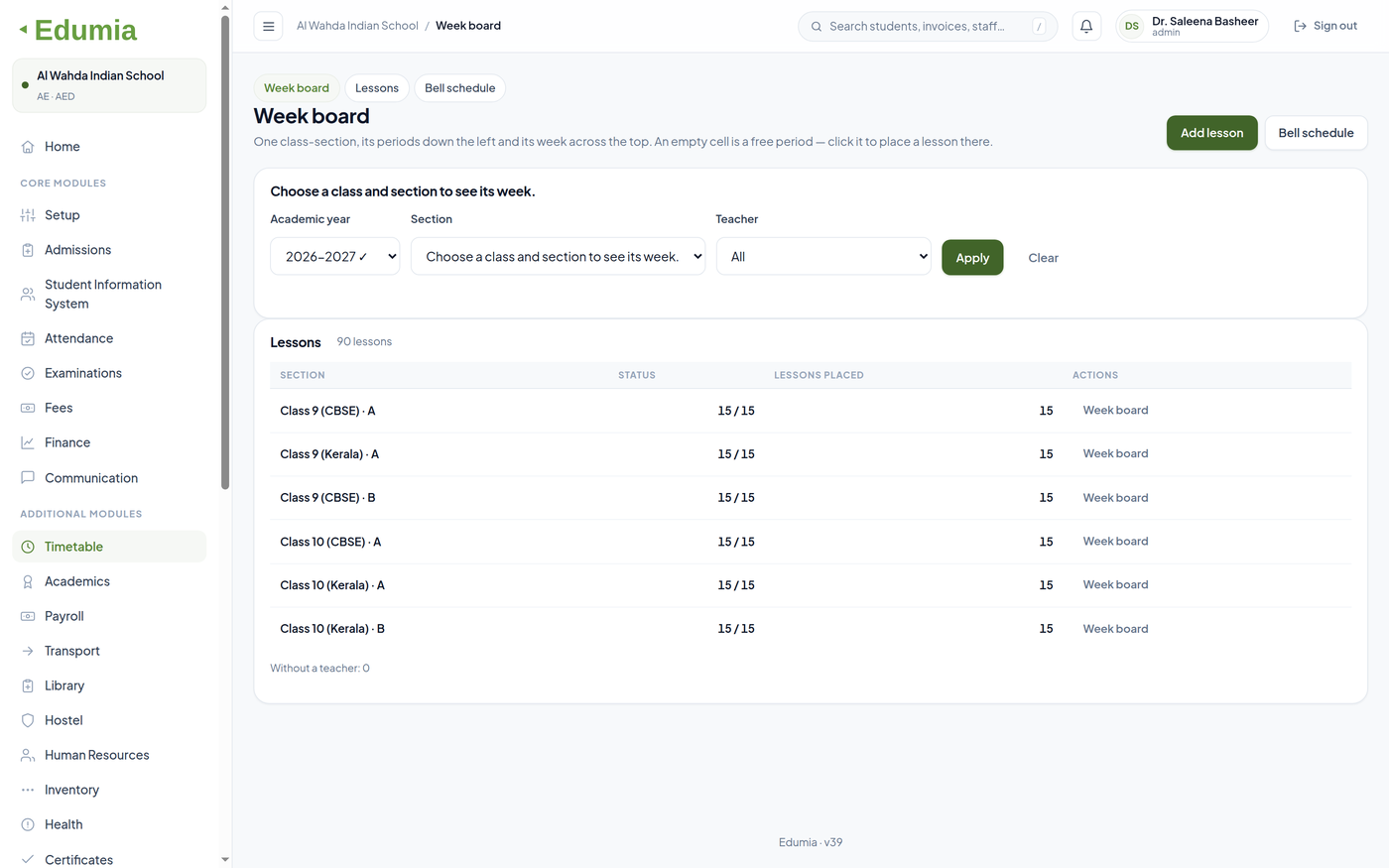
Build the bell schedule once, then assign a subject, teacher and room to every period for every class and section — and publish a grid staff and students can actually read.
Define periods, breaks and working days once per academic year and reuse the same grid everywhere.
Put a subject and a teacher against every period for each class and section.
Record the room for each lesson so two classes are never booked into the same space.
A teacher sees their week across every class they teach, not the whole school's grid.
Overlapping assignments are visible before the timetable is published, not after.
Publish the grid for the notice board, or export it for the record.
Last year's timetable is kept, so a question about it stays answerable.
Yes. The period grid is defined once for the academic year, then a subject, teacher and room are assigned per period for each class and section, so sections can differ.
Overlapping assignments are visible while the grid is being built, so a clash is caught before the timetable goes out rather than after.
Timetables are kept by academic year, so a question about a previous year stays answerable.
Academic setup — sessions, courses, batches, sections, subjects and timetables.
Explore moduleExaminations — exam scheduling, marks entry, grading, report cards and progress analysis.
Explore moduleCertificates — reusable templates, batch generation and printing for every document a school issues.
Explore moduleStart a 30-day trial and our team will set up the module against your real academic structure.